

Skip to content
Hubup
Back Office Request a demo

Flexnav
Driver training GPS
Set off with confidence on new routes.

Absence, recruitment, detour, restructuring: the Flexnav training GPS fits every situation, with fully customizable visual and audio instructions.

08:12 81
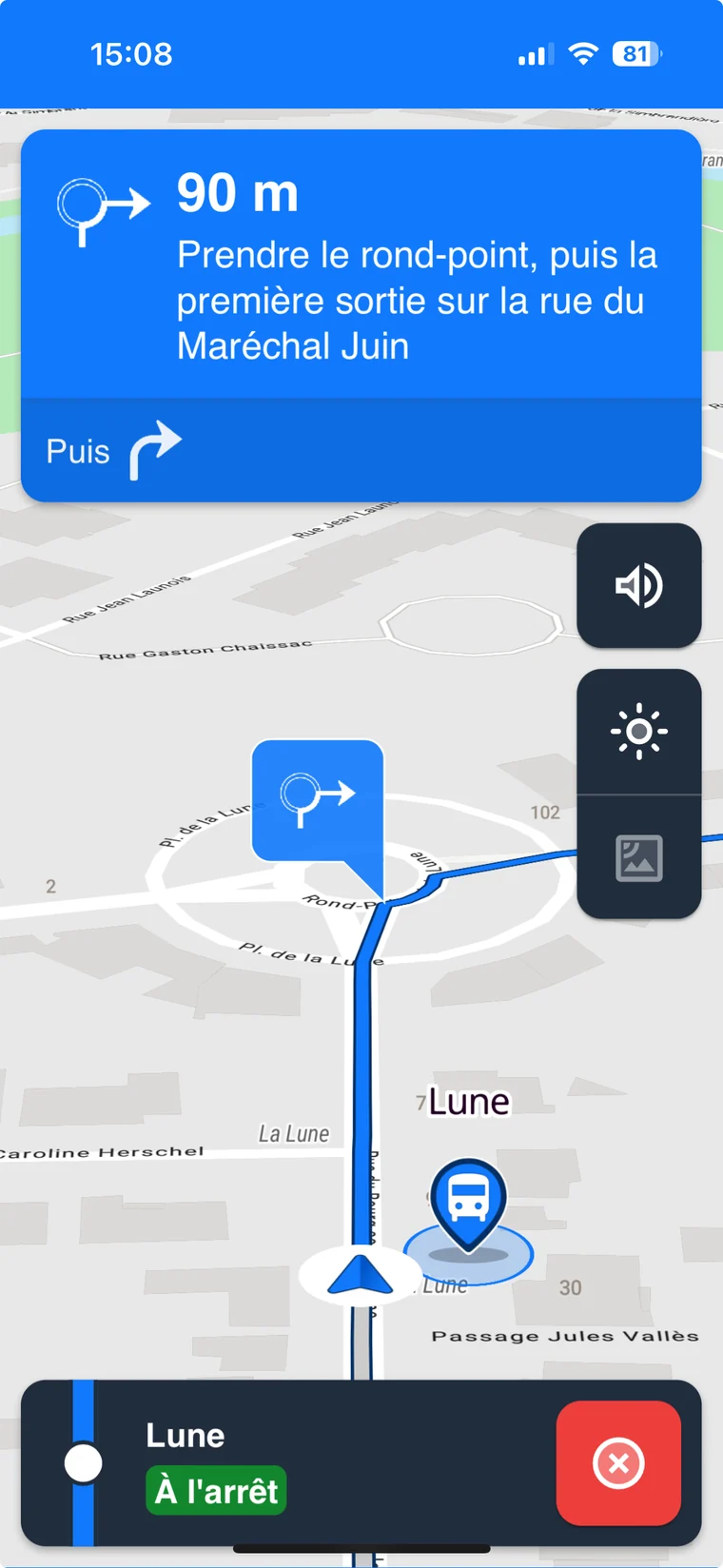
500 m At the roundabout, take the first exit onto Boulevard d'Angleterre (D760)
Then
Lune 200 m
Flexnav

A guidance app for bus and coach drivers

Available as a driver app, an operator portal and a driver portal, our solution is designed to train and reassure your drivers, and to let them set off confidently on new routes during restructurings or replacements.

Available on iOS and Android, Flexnav is fully adapted to the constraints of buses and coaches. Stops, guidance instructions, accident-prone areas, driving tips… Your drivers are guided throughout the journey.

A solution suited
to every situation.

Driver app Operator portal Driver portal
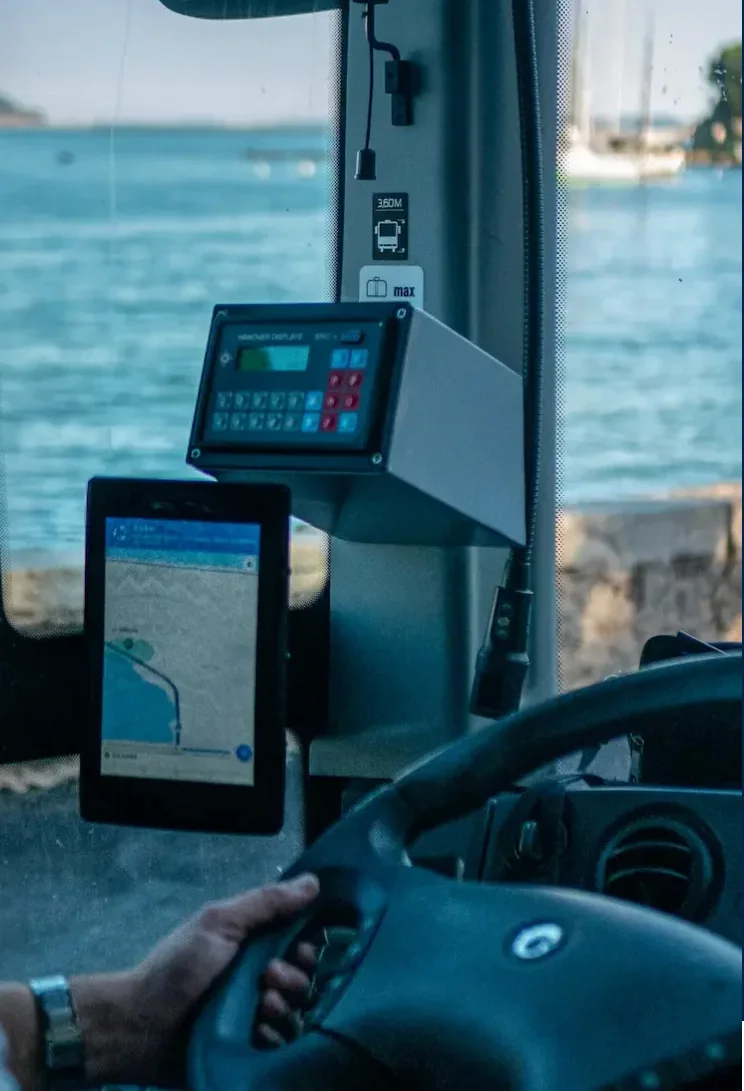
Flexnav tablet installed in the cab, driver at the wheel
99.9%* service quality on routes followed with Flexnav
−50%* in the accident rate of guided drivers
1 week* maximum to set up on your network
What the solution brings you

Three everyday situations,
three immediate answers

Flexnav doesn't replace your trainers: it multiplies their work. What they know about a line is loaded once, then followed by every driver who takes it. The time freed up goes back to where trainers really matter: one-to-one support, drivers who are struggling, tricky situations.

Flexnav
01 · The last-minute replacement

A driver absent at the last minute, schoolchildren to transport.

With the driver app, the driver takes the line confidently thanks to turn-by-turn guidance, with visual and audio instructions. They are automatically rerouted if they leave the route.

  • Visual and audio tips
  • Rerouting to the next stop if off route
  • Automatic day/night switch to reduce eye strain
  • Satellite view to clear up any doubt about a stop or a manoeuvre
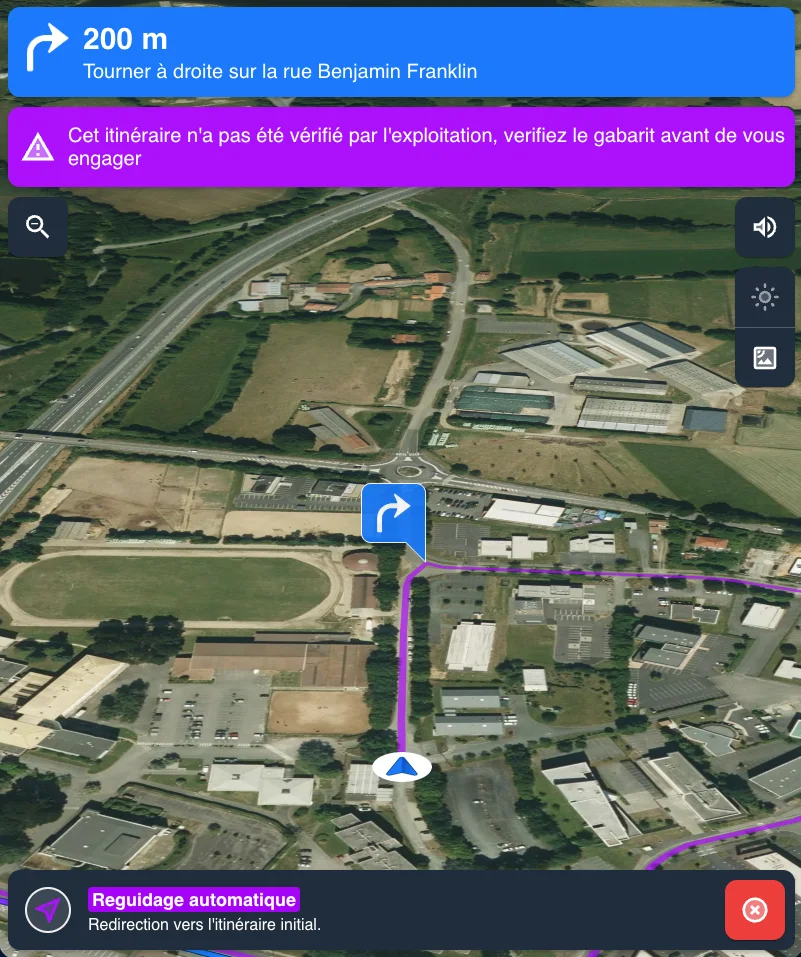
Flexnav tablet: automatic rerouting to the original route, satellite view Automatic rerouting
Flexnav driver app on smartphone: turn-by-turn guidance and next stop Turn-by-turn guidance
02 · ROADWORKS

A municipal order, a closed road, drivers to inform.

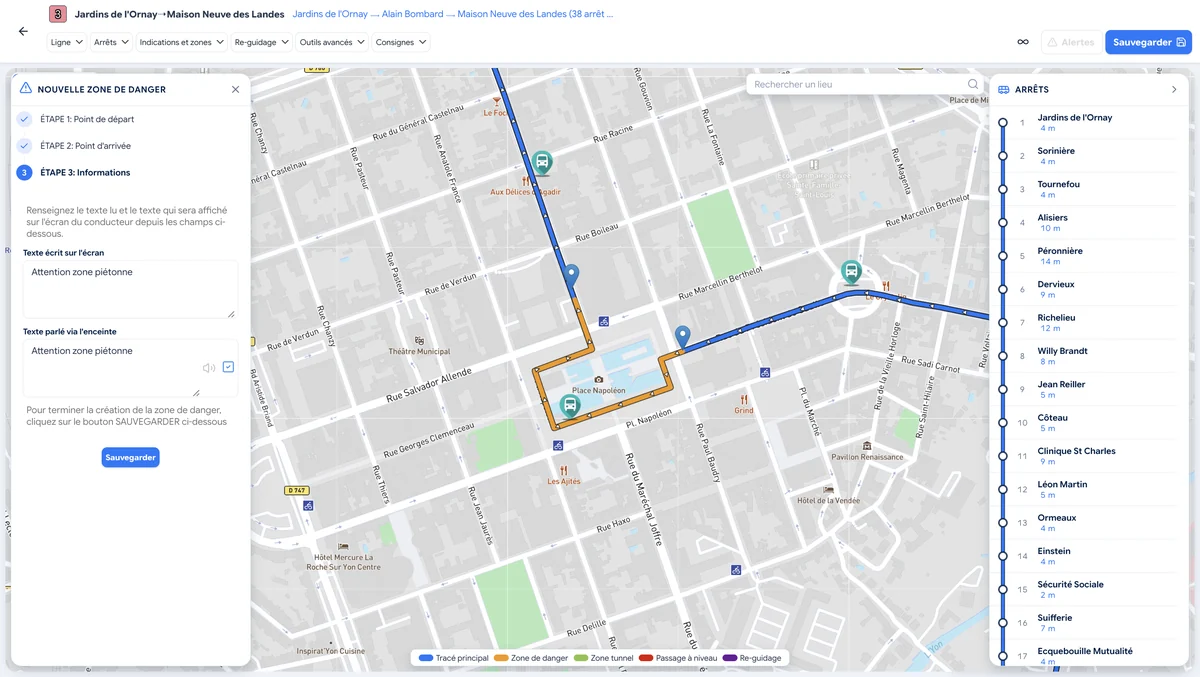
A detour at 6 a.m.? The route is changed from the operator portal at the office, and every driver on the line sets off with the right itinerary.

  • Lines imported from your GTFS, KML or XLS files
  • Stops positioned to the metre and checked in Street View
  • Line customization with accident-prone areas
  • Level crossings announced automatically
Flexnav operator portal: creating a danger zone on a line's route, with the list of stops Operator portal · zones and instructions
03 · BEFORE THE SHIFT

Route familiarization at the depot.

From a computer, tablet or phone, the driver reviews their route the day before or in the morning at the depot. Less apprehension, more peace of mind.

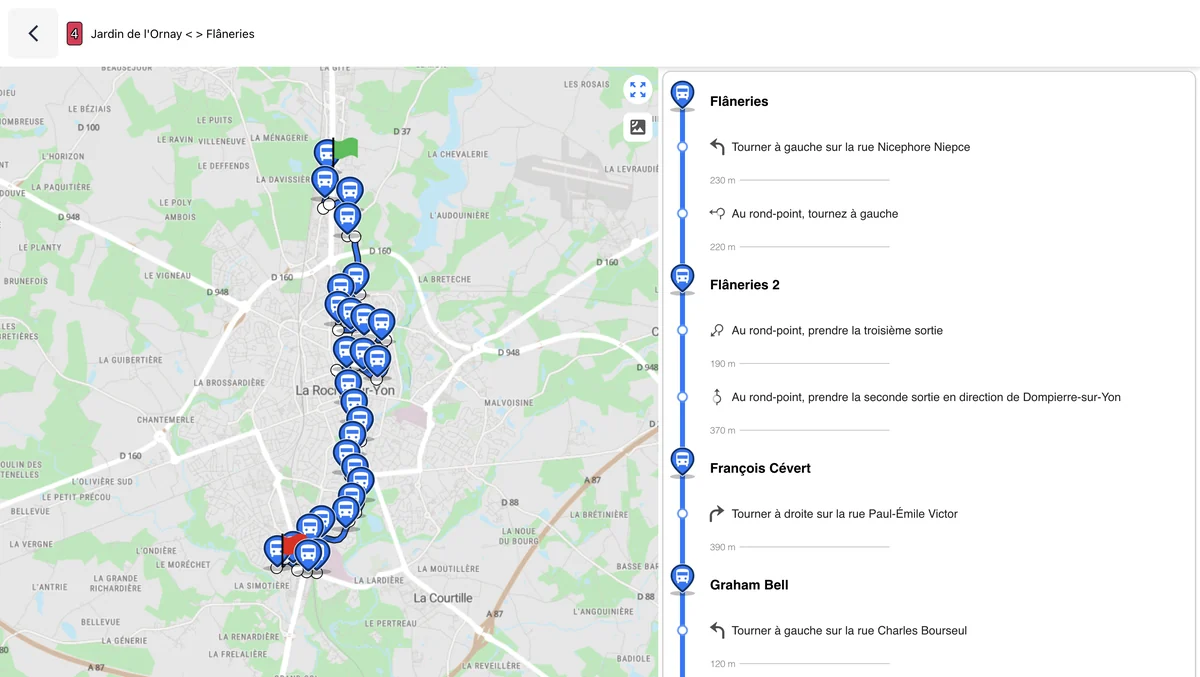
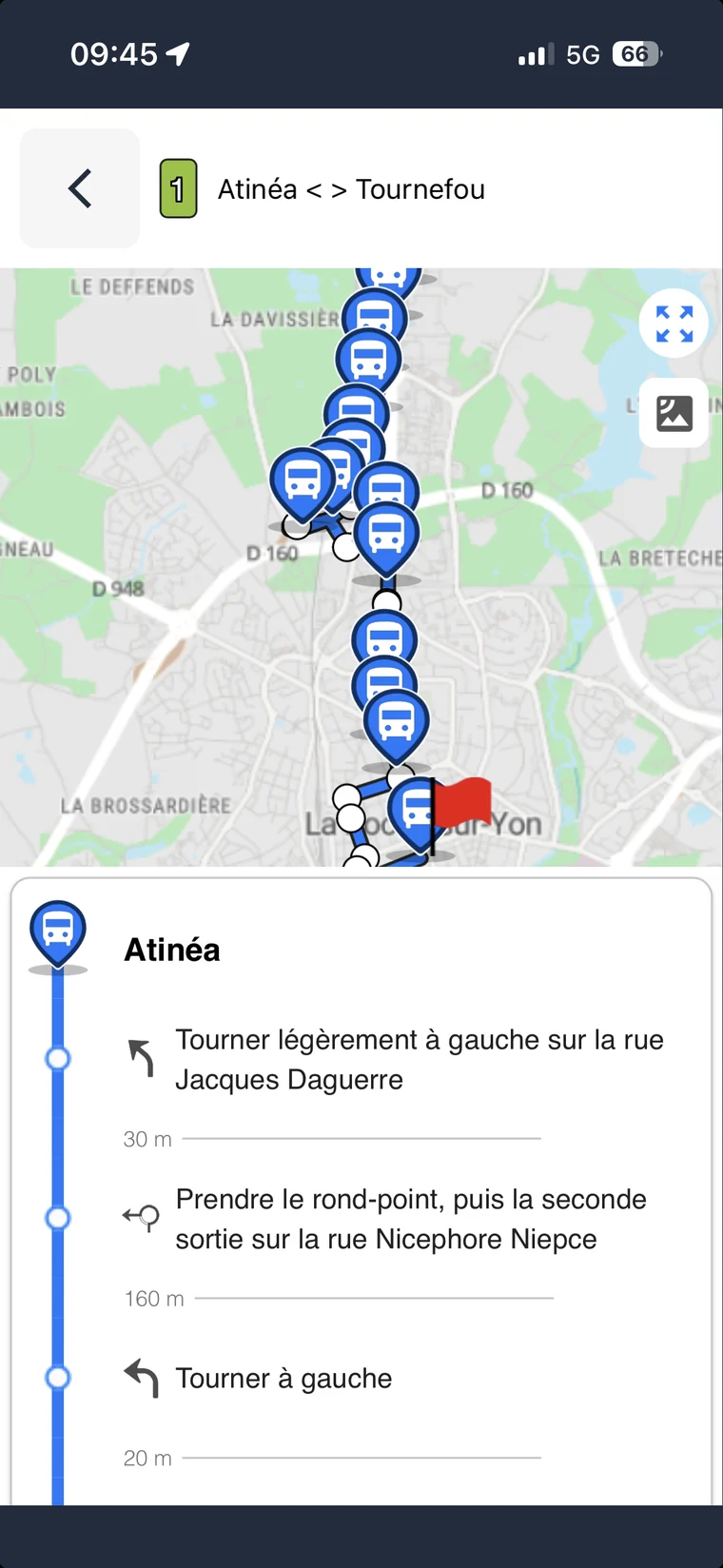
  • Route view with stops and guidance instructions
  • Downloadable line instructions in PDF format
Flexnav driver portal on computer: line route, stops and guidance instructions Driver portal · line review
Flexnav driver portal on smartphone: line stops and instructions On smartphone
Spotlight on Keolis Grand Paris Vallée de la Marne

Taking over a network at Greater Paris scale

Keolis was chosen by Île-de-France Mobilités to serve 1,215 stops across 33 municipalities in the Marne et Brie area, east of Île-de-France, as part of the opening of the Paris-region network to competition.

42 lines in the inner and outer suburbs, 6 depots, 900 drivers: each one has to know their lines from the first day of operation, and find them again at every service change.

900drivers
42lines
6depots
Keolis Marne et Brie, DSP 9 - Île-de-France Mobilités
1,215 stops served east of Île-de-France
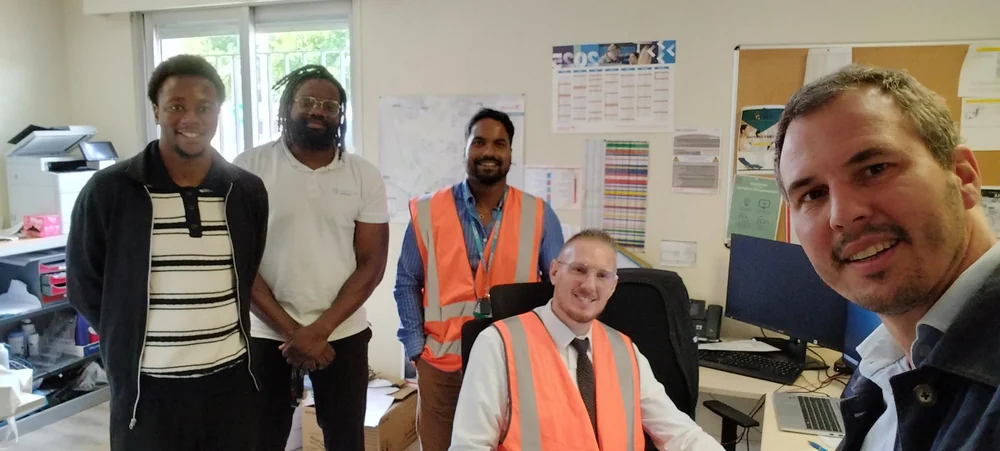
Keolis Grand Paris Vallée de la Marne operations team in the depot offices
Keolis Grand Paris Vallée de la Marne team at the depot, in front of the network banner

Flexnav is listed by

CATP — public transport purchasing centre Keolis Transdev — the mobility company
Getting started

Line import, no re-entry

We start from what you already have. You approve, your drivers drive.

01

Your data comes to us.

GTFS, KML, XML, Excel list of stops: we import your data and automatically draw all your lines. You get a complete network, with no re-entry.

02

You customize the routes.

Danger zones, line instructions, audio or voice-recorded announcements: what trainers repeat to every driver is said once and for all, at the right point on the route.

03

Drivers set off with confidence.

On your tablets or on their own phone, iOS and Android alike. You then track the training hours actually completed, by depot and by line.

A driver reassured on a route they don't know.
We are in the field

Hands-on support, from the depot to the first departure

Line import, onboarding with your trainers, in-vehicle testing: we come to you and support you throughout the project.

ATM operations team supported on site by Hubup
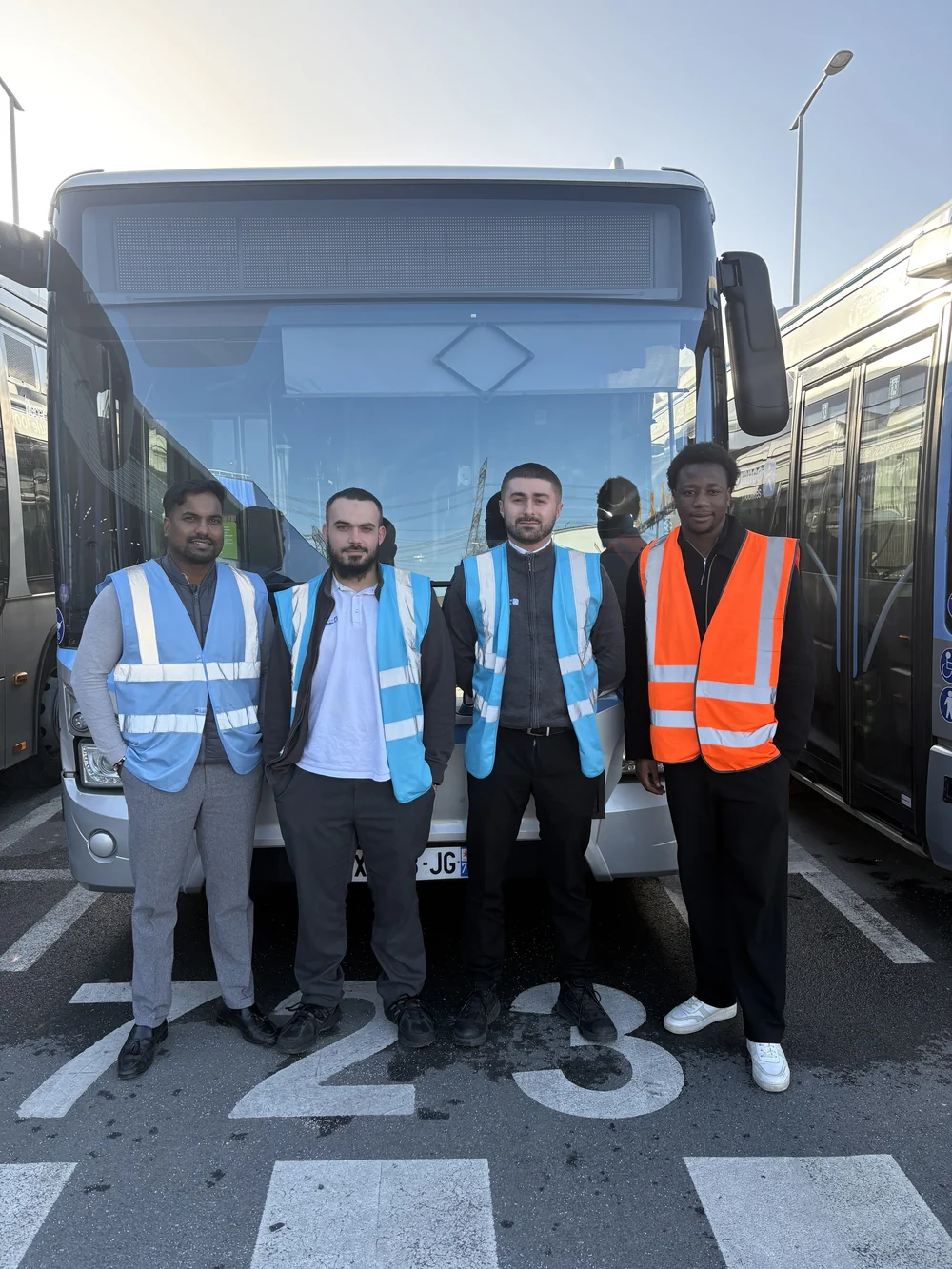
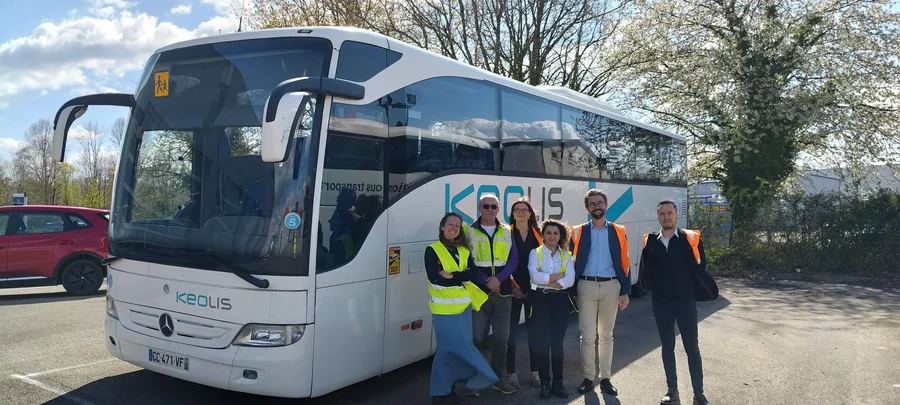
Flexnav onboarding in front of a Keolis coach
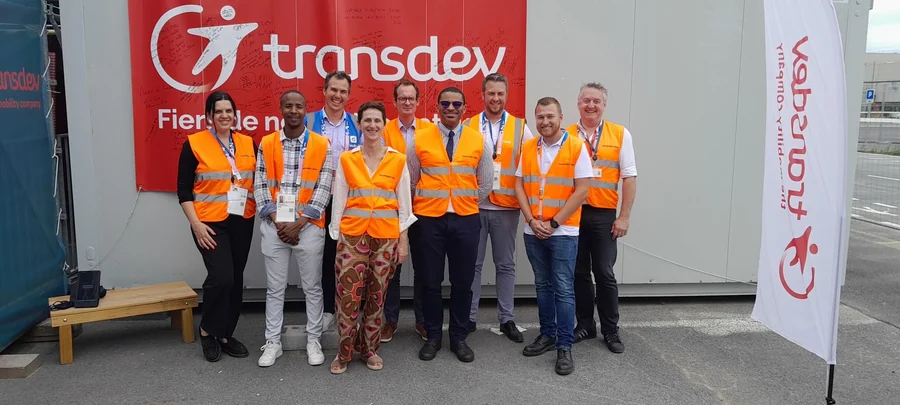
Transdev and Hubup teams together at an operating site
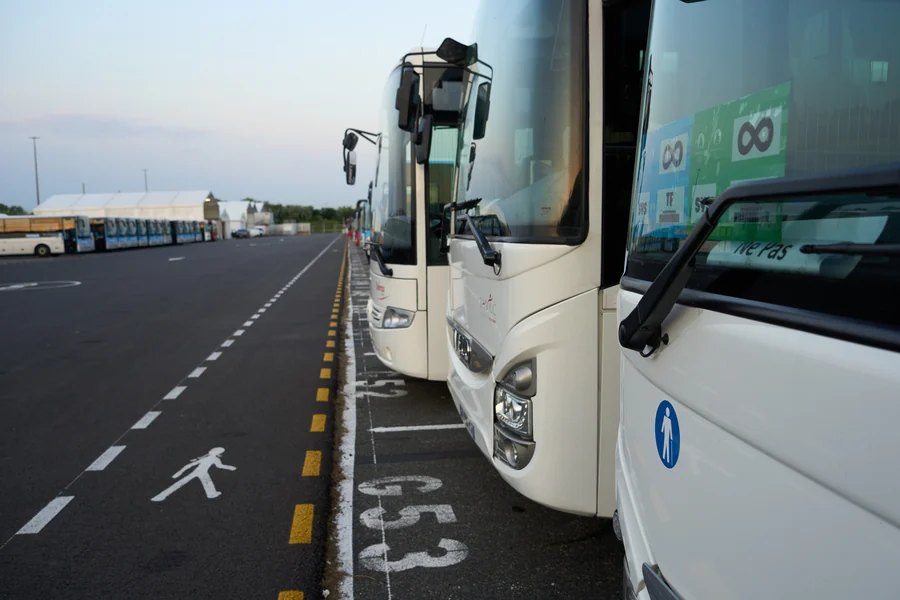
Coaches lined up at an operating site before departure
Hardware

Tablets, smartphones and mounts for your vehicles

Your fleet

Your smartphones and tablets are enough

The app installs on devices you already have, professional or personal, iOS and Android alike.

OUR CASES

Tablets ready to roll

3D-printed tablet cases designed for use at the wheel: high-performance suction mount, improved battery life, active sound amplification.

Optional services

What else we take care of

  • Configuration of third-party tablets - receiving the devices, configuring your MDM, fitting them into our case.
  • MDM service - annual subscription.
  • 4G SIM cards, 1 GB - annual subscription.
  • Hardware rental - for the duration of a restructuring or a network takeover.
Frequently asked questions

What we are asked
before deploying Flexnav

The questions operators and training managers ask us most often. Yours isn't here?

Ask us directly
How long does it take to train a driver on a new line?

Getting started is immediate: the driver follows turn-by-turn guidance, with visual and audio instructions, from the very first run on the line. There is no need to memorize the route before setting off, which greatly reduces training time and makes last-minute replacements possible.

Does Flexnav work without a network connection?

Yes. Lines and instructions are stored in the app: guidance keeps working in dead zones, tunnels and underground.

Can Flexnav be used on smartphones or tablets already in service?

Yes. The app installs on professional or personal devices, iOS and Android alike. We can also supply tablets in a 3D-printed case designed for use at the wheel, with a high-performance suction mount, extended battery life and sound amplification, to buy or rent.

How is Flexnav different from a consumer GPS?

Flexnav is a GPS that adapts to the constraints of heavy vehicles. The driver follows the exact route of the line, stop by stop, with your operating instructions: accident-prone areas, specific directions. If the driver goes off route, they are automatically brought back onto the official route.

How are our lines imported into the app?

We start from your existing data (routes, stops, timetables) with no re-entry. Routes are then enriched from the operator portal and made available to all drivers, in the driver app and on the driver portal outside driving hours.